 Whiteboard Prompts
How to use Claude Whiteboards
Claude Whiteboards is a shared board inside Claude. You talk, type or sketch; Claude lays your ideas out as sticky notes, shapes, arrows and sections; your team edits the same board live. Anthropic released it in beta on 10 November 2026, together with Claude Sheets and Claude Data.
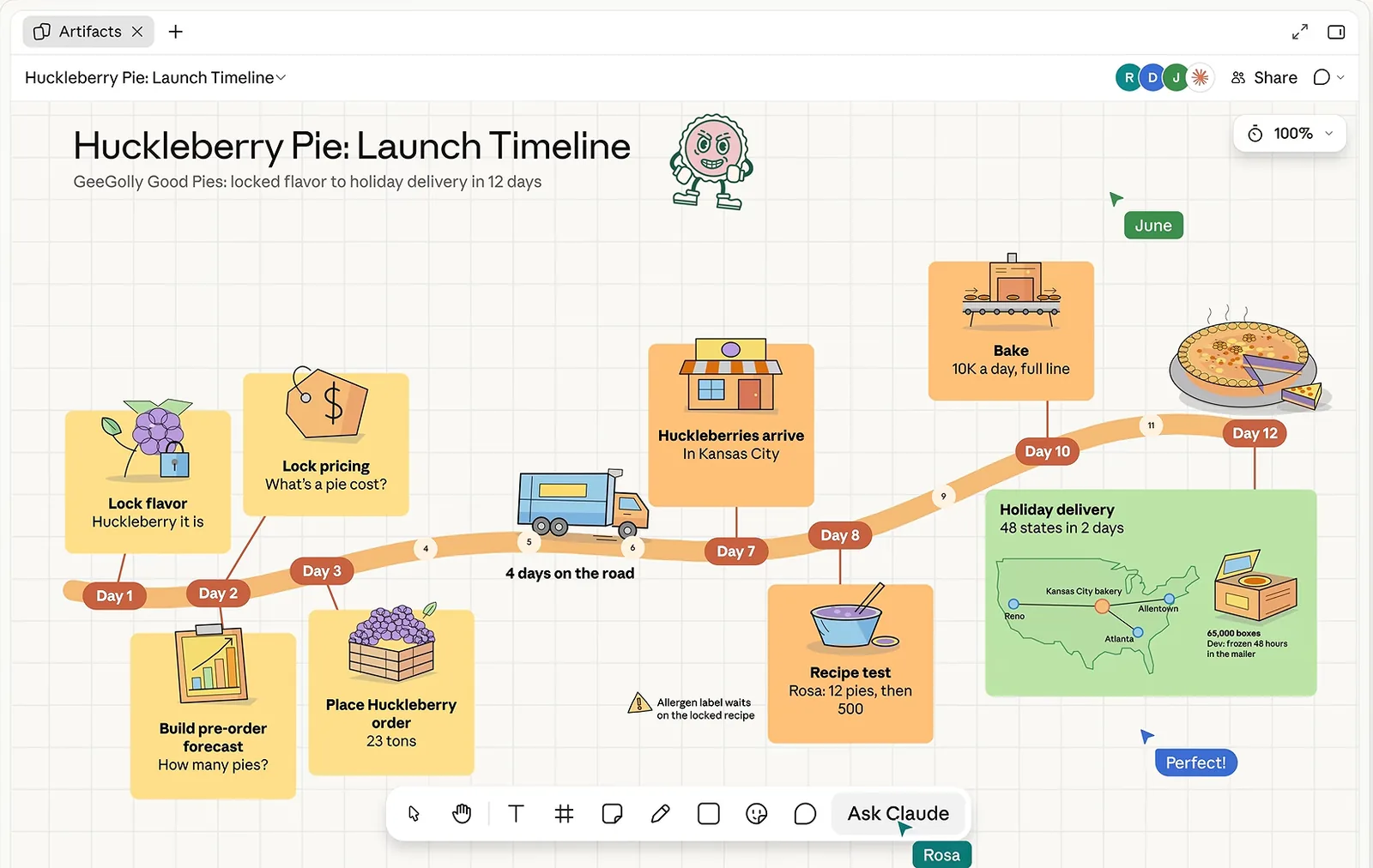
Who has it
| Plan | Claude Whiteboards |
|---|---|
| Free | Not available |
| Pro, Max, Ultra | Available (beta) |
| Team | On by default |
| Enterprise | Off until an admin turns it on in Organization settings, Artifacts |
| Claude for Teachers | Not available yet |
It works on the web, in Claude Desktop and in Claude Mobile. There is no separate price; whiteboard work counts toward your plan's usage limits like any other Claude work. Organizations with HIPAA-ready configurations can't use it during the beta.
Paid plan but no whiteboard? Anthropic began rolling it out on 10 November 2026, so some accounts get it a few days later. Check the Artifacts tab for the Whiteboard tile. On Enterprise, ask an admin to switch it on under Organization settings, Artifacts.
Start a board
From a chat. Ask for it in plain words. Anthropic's own examples:
- “Start a whiteboard to plan our product launch.”
- “Put the options for this decision on a whiteboard, with the trade-offs of each.”
- “Map this process on a whiteboard from start to finish.”
From the Artifacts tab. Open Artifacts, choose the tile labeled “Whiteboard” and describe what you want to work through. Every board you create is saved in the Artifacts tab.
Short requests like these give a generic layout. Naming the sections, labels and rules gets you a board you can run a meeting on; compare them with the setup step of the sprint retrospective script.
Say it out loud
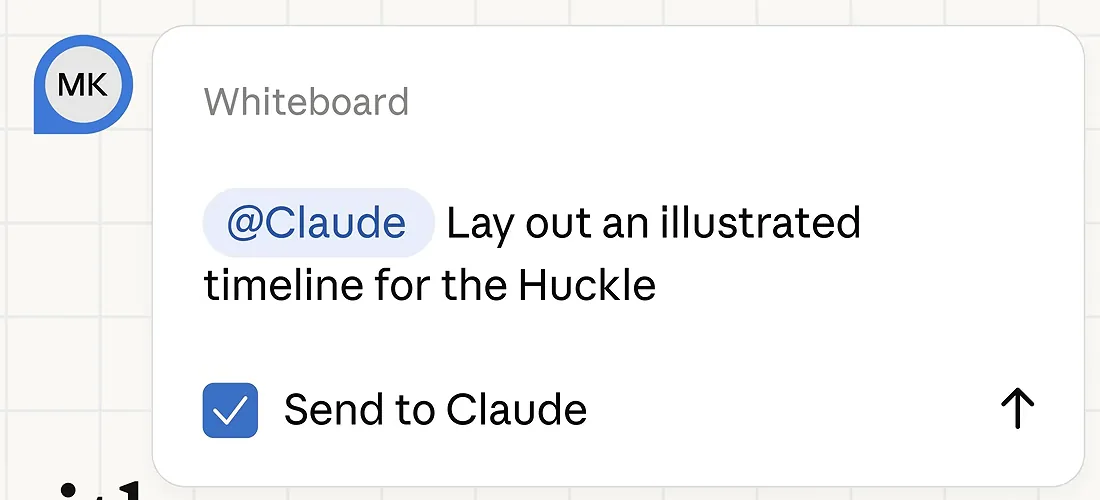
Select the microphone next to the send button and talk through a plan, a list of options or a messy process. Select the microphone again or press Escape to stop; your words stay in the box, and Return sends them. Claude groups related ideas, puts steps in order and connects the ones that depend on each other.
Dictation follows your browser's language and supports 25 languages, including English, Spanish, French, German, Portuguese, Japanese, Korean, Hindi and Simplified Chinese.
Work on the board with Claude
| Move | What to ask | What Claude does |
|---|---|---|
| Reorganize | “Regroup this board by theme” or “Turn this into a timeline” | Moves and groups what is already there |
| Find the gaps | “What's missing between these two steps?” | Adds its suggestions to the board for you to check |
| Focus on one area | Drag across a region, then ask about it | Answers about that part only |
When you regroup notes that other people wrote, add “don't reword or merge any note” to the prompt. When you focus on one area, keep the question about that area; a board-wide question mixes every section together.
Work on it together
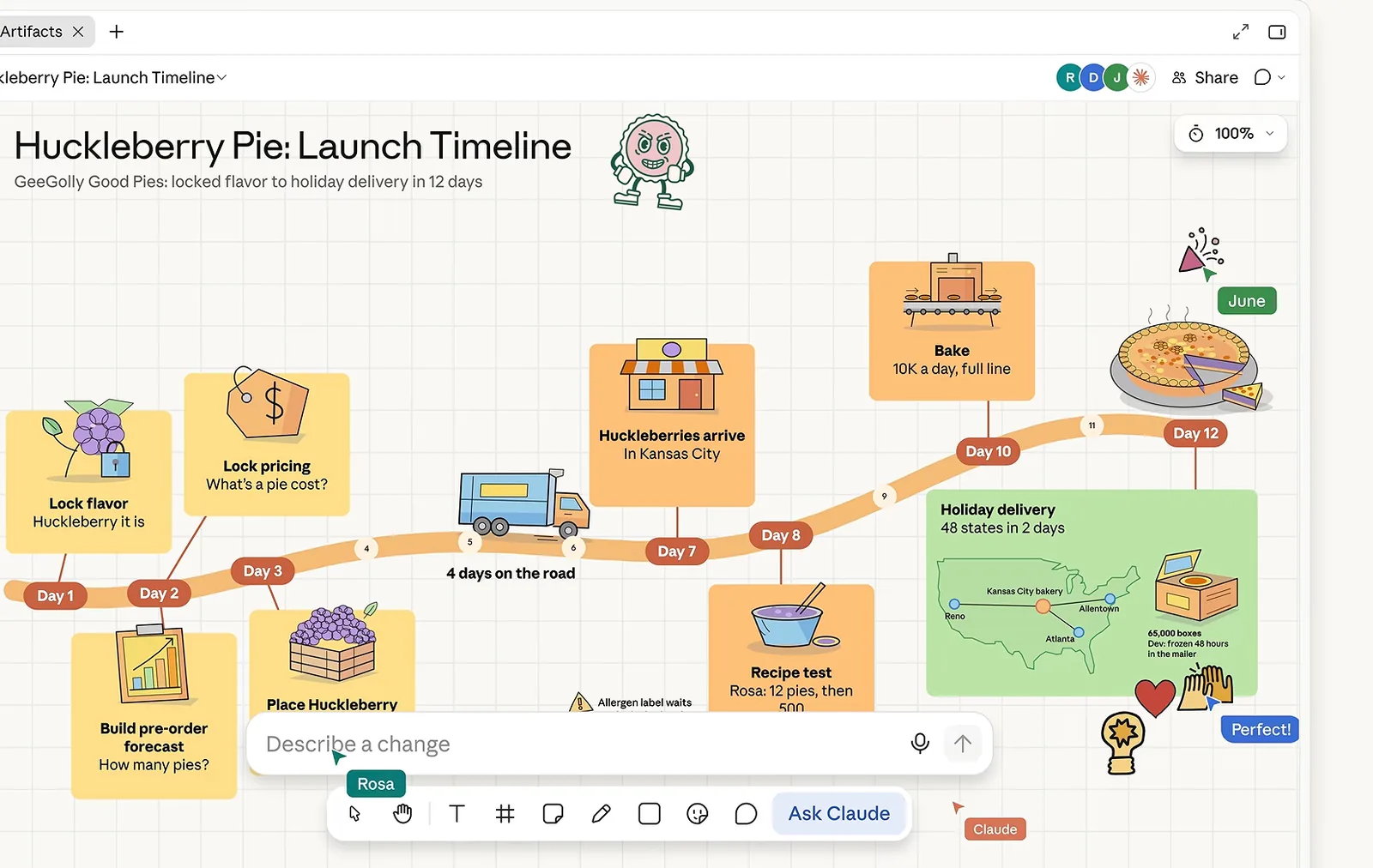
Everyone on a board edits it live and can rearrange anything. To see what a teammate is looking at, follow them around the board. To invite people, open the board and click Share. People outside your organization can join by email invitation; on Team and Enterprise plans an admin first has to turn on “Email invitations outside your organization” in Organization settings, Artifacts.
Turn the board into something else
| You want | How |
|---|---|
| A document or a deck | Ask Claude, for example “Turn this board into a project plan.” |
| A tracker spreadsheet | Ask for a sheet in the same chat; the board's context carries over to Claude Sheets |
| The board in another tool | Share, then Export, then pick Lucid, Miro or Zoho Vani under “Send to” |
| An image file | Share, then Export, then PNG |
You can add pictures and videos to a board, but you can't import a board from a file, so existing Miro or FigJam boards stay where they are.
Sending to Lucid opens the board in Lucid as an editable document through Lucid's MCP server. On Lucid Team and Enterprise accounts a Lucid admin has to enable MCP access first, and it is not available on Lucid FedRAMP accounts.
Before you send a board anywhere, ask Claude to tidy it: “Align the sections in a grid with equal gaps and make notes in the same section the same size. Don't change any text.” A messy board stays messy in the other tool.
Claude Whiteboards, Miro and FigJam
| Claude Whiteboards (beta) | Miro, FigJam | |
|---|---|---|
| Who draws the board | Claude, from a sentence or a dictated brain dump | You, usually starting from a template |
| Regroup, find gaps, ask about one area | Built in: ask on the board | Through Miro AI or FigJam AI |
| Board to doc, deck or sheet | Ask in the same chat; context carries over | Export, then rebuild elsewhere |
| Template gallery, voting, timers | Not listed in Anthropic's help page; mark votes with the sticker or pen tool | Yes |
| Import a board from a file | No | Yes |
| Price | Included in paid Claude plans | Separate subscription for team features |
Many teams will use both: think and decide on the Claude board, then send the result to Miro or Lucid where the rest of the company already works. The scripts on this site run the vote by hand (three dots per person with the sticker tool) and give Claude the count, so a session doesn't depend on a voting feature.
Limits during the beta
- Claude works only from what is on the board. It does not pull context from your connected apps, so paste numbers, notes or last meeting's actions into the chat.
- No import from files.
- Not available to HIPAA-ready organizations. In organizations with zero data retention for Claude Code, whiteboards work in chat and Cowork but are not covered by zero data retention and are not available in Claude Code.
Prompts and scripts to start with
The sprint retrospective is a free, complete 60-minute script: eight prompts in order with timings. The prompt library has single prompts for starting a board, sorting a brain dump and turning a board into a plan.
Sources: Anthropic, “Get started with Claude Whiteboards” (Claude Help Center) and “Claude Whiteboards, Claude Sheets, and Claude Data” (claude.com, 10 November 2026); Lucid Community, “Send Claude Whiteboards straight to Lucid” (10 November 2026). Images are frames from Anthropic's launch video.