 Whiteboard Prompts
Claude Whiteboards prompts and workshop scripts
12 meetings scripted for Claude Whiteboards. Type your topic once, then paste the prompts in order: each step gives the minutes, what you do and what the board should show.
Sprint retrospective
What you type here fills every prompt below and stays in this browser.
- 0′Lay out the board
- 3′Bring forward last retro's actions
- 7′Silent writing
- 17′Cluster by theme
- 22′Vote
- 27′Dig into the top three
- 47′Write the actions
- 55′Close and send the summary
Agenda, 60 minutes. Click a time to jump to its step.
Before the meeting
- Open the board 10 minutes early and run step 1, so people join a board that already has its columns.
- Click Share and invite everyone by email. Guests outside your organization need the outside-invitations setting turned on by a Team or Enterprise admin.
- Have last retro's action items ready to paste into the chat. Claude only sees what is on the board, not your connected apps.
- 0–3 min
Lay out the board
Run this before people join. Check that the four columns sit side by side and the action table is at the bottom.
Start a whiteboard for our retrospective on Sprint 14, the checkout redesign. Across the top, add a title with the sprint name and an empty sticky note labeled "Sprint goal". Below it, make four columns side by side with these headers: "Went well", "Didn't go well", "Puzzles us", "Ideas to try". Leave each column empty. At the bottom, add a section called "Action items" laid out as a table with the columns Action, Owner, Due.
Board after this stepTitle strip, four empty columns, an empty action table.
- 3–7 min
Bring forward last retro's actions
Paste last retro's action list where the bracket is. The team says done, partly done or dropped for each one while you color them.
Add a small section to the left of the four columns called "Last time we said". Put each of these action items on its own sticky note, keeping the wording: [paste last retro's action items]. Color the notes I mark as done green, partly done yellow, dropped grey.Board after this stepA short column of last retro's actions, colored by status, so repeat problems are visible before anyone writes.
- 7–17 min
Silent writing
Everyone adds sticky notes directly to the four columns, one point per note. Remote people who prefer talking can dictate: select the microphone next to the send button and talk, then send. Use this prompt for anyone dictating.
Add what I'm about to say as separate sticky notes under "Didn't go well", one note per point. Keep each note under 12 words and keep my wording. Don't merge points that sound similar. Put my initials at the end of each note: [initials].Board after this stepThirty to sixty sticky notes across the four columns.
- 17–22 min
Cluster by theme
Read the theme names out loud. If a note landed in the wrong group, drag it; nobody needs to ask Claude for that.
In each of the four columns, group the sticky notes by theme. Draw a labeled box around each group, name the theme in three to five plain words, and put the number of notes in the label, for example "Flaky staging deploys (6)". Don't delete, merge or reword any note. Notes that fit no theme go in a group called "Other".
Board after this stepEach column now has three to six named groups with counts.
- 22–27 min
Vote
Each person adds three dots next to the themes they most want to talk about (the sticker or pen tool works). Then run the prompt.
Count the dots next to each theme in "Didn't go well" and "Puzzles us". Reorder the themes in those two columns from most to fewest dots and write the dot count in each label. Put a thick outline around the top three themes overall.
Board after this stepThe top three themes stand out; the rest move down.
- 27–47 min
Dig into the top three
About six minutes per theme. Drag a box around one theme group on the board, then type the prompt into the box that opens, so Claude looks only at that part.
Look only at the notes in this group. What single cause do most of them share? Add one note to the right of the group starting with "Cause:". Then add up to three notes starting with "Option:", each a change we could make in the next sprint, with effort marked S, M or L. Don't add options that need another team's approval.
Board after this stepEvery top theme has a cause note and two or three sized options beside it. The team ticks the options it wants to keep.
- 47–55 min
Write the actions
Read each row aloud and get a yes from the owner before moving on. Red owner cells are the ones still open.
Turn every option with a tick into a row in the "Action items" table. Each action starts with a verb and is small enough to finish before the next retro. Owner must be one person from Ana, Ben, Chloe, Dev and Eli. Due is a date before the next retro. If no owner was agreed for a row, leave the Owner cell empty and color it red.
Board after this stepAction table filled, every row with one owner and a date.
- 55–60 min
Close and send the summary
Read the summary aloud, fix anything in the doc, then share it in the team channel.
Turn this board into a one-page retro summary doc with these sections: Sprint goal, What went well (theme names only), Top three problems (theme, cause we agreed, chosen option), Action items (the table as it is on the board), Carried over from last time (anything grey or yellow in "Last time we said"). Keep it under 300 words and don't add anything that is not on the board.
Board after this stepThe board stays as the record; a short doc goes to the team.
After the meeting
Action tracker sheet
Create a sheet from the "Action items" table on this board with the columns Action, Owner, Due, Status. Make Status a drop-down with Not started, In progress, Done and Dropped. Sort by Due.
Send to Miro or Lucid
Before I send this board to Miro, tidy it: align the four columns, make all theme boxes the same width, and move the action table so it starts directly under the columns.
Next retro's opener
Keep this list for next time: write out the action items from this board as a plain numbered list I can paste into the next retro's "Last time we said" step.
What goes wrong on Claude Whiteboards
- Ask Claude not to reword notes in every grouping prompt. Without it, a theme pass can quietly shorten what people wrote, and the author no longer recognizes their note.
- Use the drag-a-box focus for the deep dive. A board-wide "what is the root cause" question mixes every theme together and the answer goes vague.
- Paste last retro's actions as text. Boards can't be imported from a file and Claude does not read your connected apps from a board.
Board layout
A board with four note columns, named theme groups with vote counts, a root-cause note beside each of the top three themes, and an action table with an owner and a due date on every row. Plus a one-page summary doc and an action tracker sheet.
Run every workshop, not just the retro
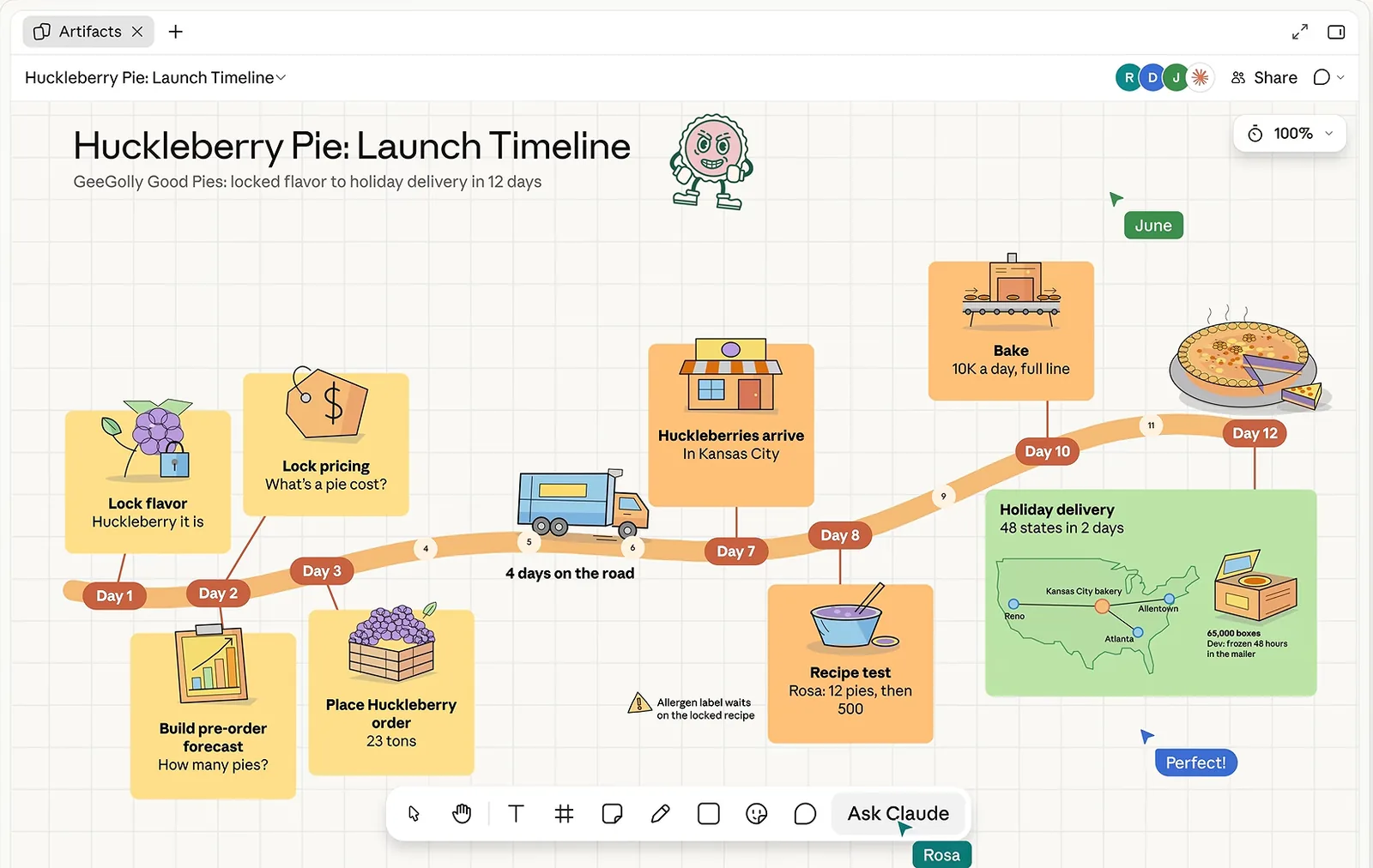
Anthropic's help page gives three sample prompts. Free prompt packs give single prompts. The kit gives you the whole session: what to paste, in what order, how many minutes each step takes, what you do while Claude works and what the board should show before you move on.
| Free here | Workshop kit | |
|---|---|---|
| Sprint retrospective | The whole script | The whole script |
| The other 11 workshops | Agenda, board layout and the first prompt | Every prompt in order, with what you do at each step |
| Prompts that turn the board into a doc, deck, tracker sheet or Miro board | Retro only | For every workshop (40 in all) |
| Mistakes to avoid on Claude Whiteboards | One per workshop | All of them |
| Single-job prompt library | 10 prompts | All 40 |
| Copy, print or download a script | Retro only | All 12, plus the whole kit as one Markdown file |
$19one payment
No subscription. Checkout by Stripe; the kit opens in this browser straight after. On another device, ask for a sign-in link sent to the email you paid with.
All 12 workshops
Each one is a complete session: setup prompt, the steps in order with timings, closing prompts and the mistakes to avoid. The sprint retrospective is free in full; every other workshop shows its agenda, board layout and first prompt.
| Workshop | Length | Prompts | Use it when |
|---|---|---|---|
| Sprint retrospective | 60 min | 8 | End of a sprint or project phase, 4 to 10 people, at least one of them remote. |
| Product launch plan | 75 min | 9 | Four to twelve weeks before a launch date, 4 to 8 people who each own a piece of the launch (product, engineering, marketing, support or sales). |
| Weighted decision matrix | 60 min | 9 | A team has 2 to 5 real options, the choice is costly to reverse, and opinions are split; 3 to 8 people. |
| Customer journey map | 90 min | 9 | You have 30 to 60 real customer quotes, interview notes or support tickets for one customer segment and need to agree where the experience breaks; 4 to 10 people from product, design, support and sales. |
| Quarterly OKR planning | 90 min | 9 | The last two weeks before a quarter starts, one team of 3 to 10 people with a company goal to align to. |
| Project pre-mortem | 60 min | 9 | A plan is agreed but work has not started, with 4 to 10 of the people who will do the work. |
| Now / Next / Later product roadmap | 90 min | 9 | Quarterly planning, or when the backlog has grown past what anyone can read, with the PM, a designer and 2 to 5 engineering or support leads. |
| SWOT analysis to TOWS strategy | 60 min | 8 | Before an annual plan, a budget decision or a move into a new market, with 4 to 8 people who know the numbers. |
| Process mapping with swimlanes | 75 min | 9 | A process is slow or error-prone and nobody can explain it end to end, with one person from every role that touches it. |
| Backlog prioritization | 60 min | 9 | Before quarterly or sprint planning, when a PM and 3 to 8 people from product, design and engineering must agree what gets built next. |
| Team charter | 90 min | 9 | In the first two weeks of a new or merged team of 4 to 10 people, or when a team keeps arguing about who owns or decides something. |
| Post-incident review | 60 min | 8 | Within five working days of a Sev 1 or Sev 2 incident, with the incident lead, on-call responders and an owner of each affected service, 4 to 8 people. |
Three moves that make a board useful
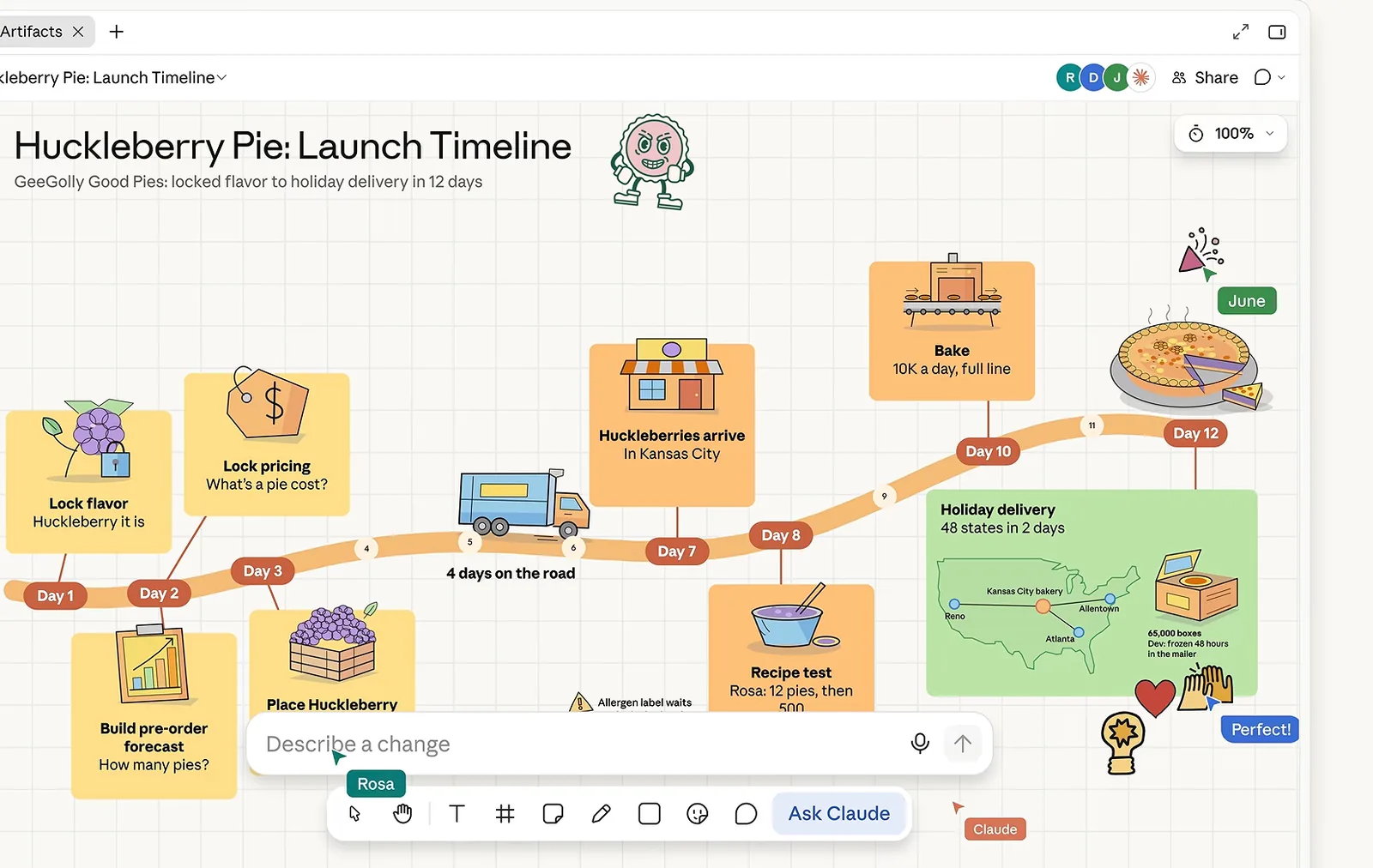
Regroup. Ask Claude to group notes by theme or to turn the board into a timeline. Tell it not to reword anything.
Find the gaps. Ask what is missing between two steps; Claude adds its suggestions to the board for you to check.
Focus. Drag across one area of the board and ask about only that part. Every deep-dive step in the scripts works this way.
Questions
Who can use Claude Whiteboards?
Anyone on a paid Claude plan: Pro, Max, Ultra, Team or Enterprise, on the web, Claude Desktop and Claude Mobile. It launched in beta on 10 November 2026. Team plans have it on by default; on Enterprise an admin turns it on in Organization settings, Artifacts. It is not on the Free plan or in Claude for Teachers.
I'm on a paid plan and don't see it. Why?
Anthropic started rolling it out on 10 November 2026, so some accounts get it later. Look for the Whiteboard tile in the Artifacts tab. On Enterprise, Whiteboards stays off until an admin enables it in Organization settings, Artifacts. Organizations with HIPAA-ready configurations can't use it during the beta.
How do I start a whiteboard?
Ask for one in any chat, for example “Start a whiteboard to plan our product launch”, or open the Artifacts tab and choose the Whiteboard tile. Every board is saved in the Artifacts tab.
Why use a script instead of asking Claude for a retro board?
A one-line request gets a generic board and leaves you to design the meeting. A script names the sections, labels and colors, tells Claude what not to do (such as rewording someone's sticky note), and gives the steps in the order a real session runs, with the minutes for each.
Can Claude read my Jira, Slack or Drive data on the board?
Not during the beta. On a whiteboard Claude works only from what is on the board, not from your connected apps. That is why the scripts ask you to paste last retro's actions, the plan or the customer quotes into the chat.
Can I bring my Miro or FigJam board into Claude Whiteboards?
No. Boards can't be imported from a file. You can add pictures and videos, send a finished Claude board to Lucid, Miro or Zoho Vani, or export it as a PNG.
What do I get for $19?
All 12 workshop scripts with every step prompt, facilitator note, follow-up prompt and pitfall, plus the full library of 40 single-job prompts, and the whole kit as one Markdown file. It is a one-time payment, unlocked in this browser straight after checkout.
Does using a whiteboard cost extra on Claude?
No separate price. Whiteboard work counts toward your plan's normal usage limits.