 Whiteboard Prompts
Product launch plan on Claude Whiteboards
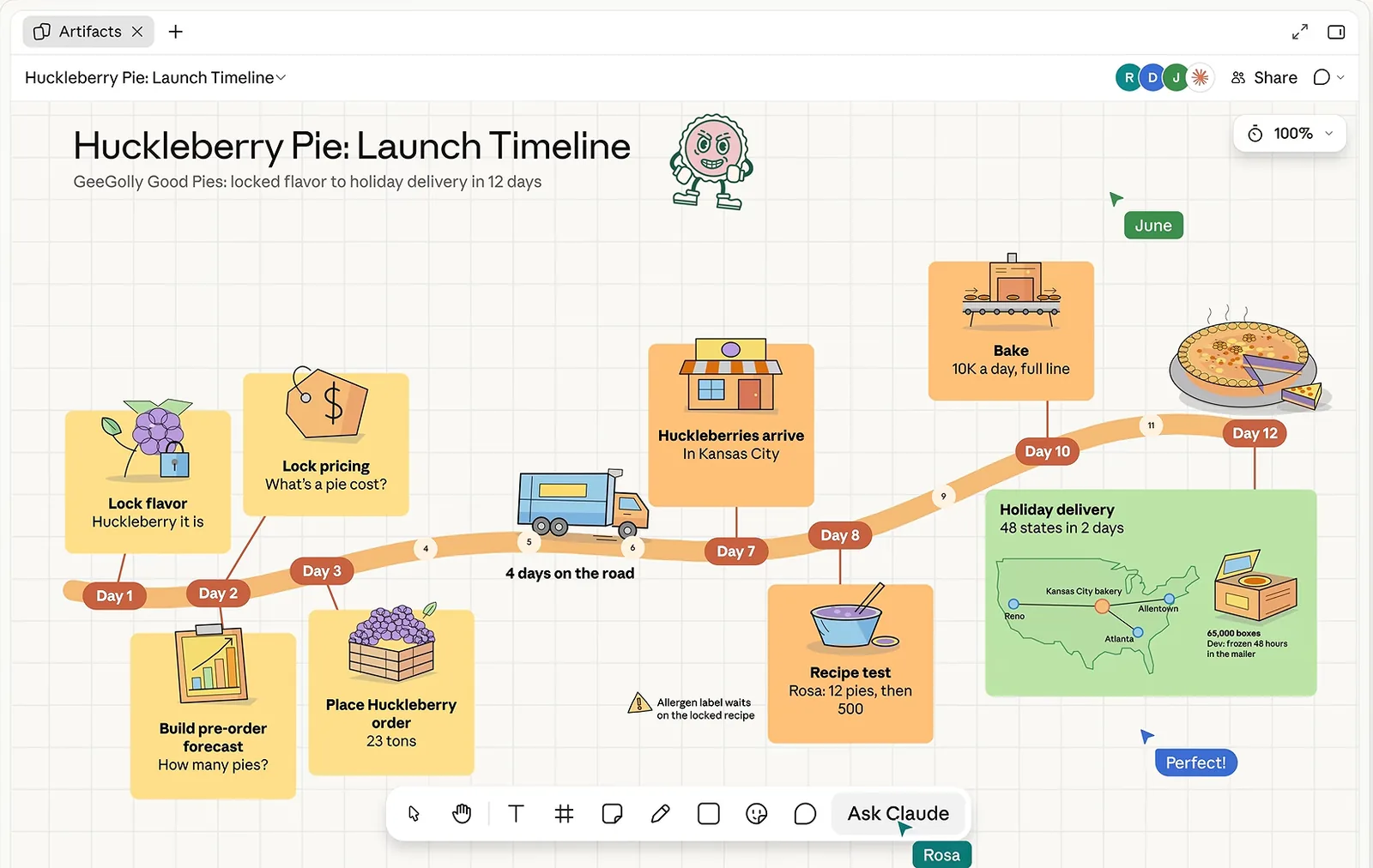
Dump every launch task, let Claude lay them out as an illustrated timeline in workstream lanes, mark the critical path, put one owner and one date on every card and stress-test it with a pre-mortem.
Use it when: Four to twelve weeks before a launch date, 4 to 8 people who each own a piece of the launch (product, engineering, marketing, support or sales).
Product launch plan
What you type here fills every prompt below and stays in this browser.
- 0′Lay out the board
- 3′Pin the goal and the fixed dates
- 10′Dump every task
- 22′Lay out the illustrated timeline
- 30′Draw dependencies and the critical path
- 40′Find the gaps
- 48′Owners and dates on every card
- 60′Pre-mortem the plan
- 70′Close with the project plan
Agenda, 75 minutes. Click a time to jump to its step.
Before the meeting
- Ask each owner to bring a plain-text list of the tasks in their area, one per line. Claude only sees what is on the board, so tasks sitting in Jira, Asana or Linear have to be pasted in.
- Open the board 10 minutes early and run step 1, then click Share and invite everyone by email. Outside agencies or freelancers need the outside-invitations setting turned on by a Team or Enterprise admin.
- Know your fixed dates before the session: app store review time, press embargo, contract or event dates. These anchor the timeline and are the first thing people argue about.
- 0–3 min
Lay out the board
Run this before people join. Check that the four lanes run left to right and that the launch date card sits at the far right.
Start a whiteboard to plan the launch of Ledgerly 2.0, the iOS budgeting app for freelancers. Across the top, add a title strip with the product name and three empty sticky notes labeled "Goal", "Success metric" and "Launched means". Below it, make four horizontal lanes stacked on top of each other, labeled "Product", "Engineering", "Marketing" and "Support and sales". At the far right of the lanes, add one large card labeled "Launch: Tuesday 3 March 2027". Leave the lanes empty. Below the lanes, add an empty section called "Task pile" and another called "Risks". Don't add any tasks yet.
Board after this stepTitle strip with three empty notes, four empty lanes ending at the launch date card, an empty task pile and an empty risks section.
Steps 2 to 9 are in the workshop kit
You have the setup prompt and the full agenda. The kit adds the other 8 prompts of this product launch plan, what to do while Claude works on each one, and 4 follow-up prompts: Launch tracker sheet, Launch-day run sheet, Stakeholder deck, Send to Lucid or Miro. The same for all 12 workshops, plus the 40-prompt library.
One payment, no subscription. Opens in this browser as soon as Stripe checkout completes.- 3–10 min
Pin the goal and the fixed dates
In the kitFill the three notes in the title strip with exactly these words …
Board after this stepThe title strip states what success looks like; the lanes have their first fixed markers in place.
- 10–22 min
Dump every task
In the kitAdd these tasks to the "Task pile" as separate sticky notes, one task per note, keeping my wording and starting each with a verb …
Board after this stepForty to eighty task notes in the pile, each tagged with the initials of the person who added it.
- 22–30 min
Lay out the illustrated timeline
In the kit@Claude Lay out an illustrated timeline for the Ledgerly 2.0, the iOS budgeting app for freelancers launch, from [first milestone, for example …
Board after this stepFour lanes of task cards ordered in time under week markers, each lane with a small illustration, the fixed-date markers still in place, and a short "Unsure where" group.
- 30–40 min
Draw dependencies and the critical path
In the kitDraw an arrow from each task to the task that depends on it, using only these pairs …
Board after this stepArrows connect dependent cards across lanes; one red chain runs to the launch card with its length in weeks.
- 40–48 min
Find the gaps
In the kitLook at the red path and at the gap between "[first card]" and the launch card …
Board after this stepUp to eight yellow "Missing?" notes; the ones the team accepted have been dragged into lanes, the rest deleted.
- 48–60 min
Owners and dates on every card
In the kitAdd an owner and a due date to the bottom of each task card, using what I'm about to say …
Board after this stepEvery card shows one owner and a date. Red outlines mark unowned tasks, orange outlines mark dates that clash with dependencies.
- 60–70 min
Pre-mortem the plan
In the kitImagine it is two weeks after Tuesday 3 March 2027 and the launch has failed …
Board after this stepRisk groups with counts, the top five linked to the cards they threaten, each with a mitigation note and an owner.
- 70–75 min
Close with the project plan
In the kitTurn this board into a project plan doc with these sections …
Board after this stepThe board stays as the live plan; the doc goes to stakeholders.
After the meeting
Launch tracker sheet
In the kitCreate a sheet from every task card on this board with the columns Task, Lane, Owner, Due, Depends on, Critical path (Yes or No), Status …
Launch-day run sheet
In the kitTake the cards dated Tuesday 3 March 2027 and the day before, and turn them into an hour-by-hour run sheet doc for launch day …
Stakeholder deck
In the kitTurn this board into a five-slide deck …
Send to Lucid or Miro
In the kitBefore I send this board to Lucid, tidy it …
What goes wrong on Claude Whiteboards
- Say "don't add tasks of your own" in the timeline prompt. Asked for a launch timeline, Claude will happily fill the lanes with generic launch tasks, and nobody can tell which cards a person actually committed to. Keep its ideas in the yellow "Missing?" step where they are clearly marked.
- 2 more pitfalls for this workshop are in the kit
Board layout
A board with a dated timeline in workstream lanes, arrows between dependent tasks, the critical path in red, one owner and a due date on every card, and a list of the top five launch risks with a mitigation each. Plus a project plan doc and a launch tracker sheet.
Agenda at a glance
| Minutes | Step | What the board shows afterwards |
|---|---|---|
| 0–3 | Lay out the board | Title strip with three empty notes, four empty lanes ending at the launch date card, an empty task pile and an empty risks section. |
| 3–10 | Pin the goal and the fixed dates | The title strip states what success looks like; the lanes have their first fixed markers in place. |
| 10–22 | Dump every task | Forty to eighty task notes in the pile, each tagged with the initials of the person who added it. |
| 22–30 | Lay out the illustrated timeline | Four lanes of task cards ordered in time under week markers, each lane with a small illustration, the fixed-date markers still in place, and a short "Unsure where" group. |
| 30–40 | Draw dependencies and the critical path | Arrows connect dependent cards across lanes; one red chain runs to the launch card with its length in weeks. |
| 40–48 | Find the gaps | Up to eight yellow "Missing?" notes; the ones the team accepted have been dragged into lanes, the rest deleted. |
| 48–60 | Owners and dates on every card | Every card shows one owner and a date. Red outlines mark unowned tasks, orange outlines mark dates that clash with dependencies. |
| 60–70 | Pre-mortem the plan | Risk groups with counts, the top five linked to the cards they threaten, each with a mitigation note and an owner. |
| 70–75 | Close with the project plan | The board stays as the live plan; the doc goes to stakeholders. |
Run every workshop, not just the retro
Anthropic's help page gives three sample prompts. Free prompt packs give single prompts. The kit gives you the whole session: what to paste, in what order, how many minutes each step takes, what you do while Claude works and what the board should show before you move on.
| Free here | Workshop kit | |
|---|---|---|
| Sprint retrospective | The whole script | The whole script |
| The other 11 workshops | Agenda, board layout and the first prompt | Every prompt in order, with what you do at each step |
| Prompts that turn the board into a doc, deck, tracker sheet or Miro board | Retro only | For every workshop (40 in all) |
| Mistakes to avoid on Claude Whiteboards | One per workshop | All of them |
| Single-job prompt library | 10 prompts | All 40 |
| Copy, print or download a script | Retro only | All 12, plus the whole kit as one Markdown file |
$19one payment
No subscription. Checkout by Stripe; the kit opens in this browser straight after. On another device, ask for a sign-in link sent to the email you paid with.